Korea eSIM vs SIM Card vs Pocket Wi-Fi: Which to Get and Where
Korea eSIM vs SIM card vs pocket Wi-Fi: prices, airport counters, unlocked-phone checks and when you need a Korean 010 number, compared for visitors.
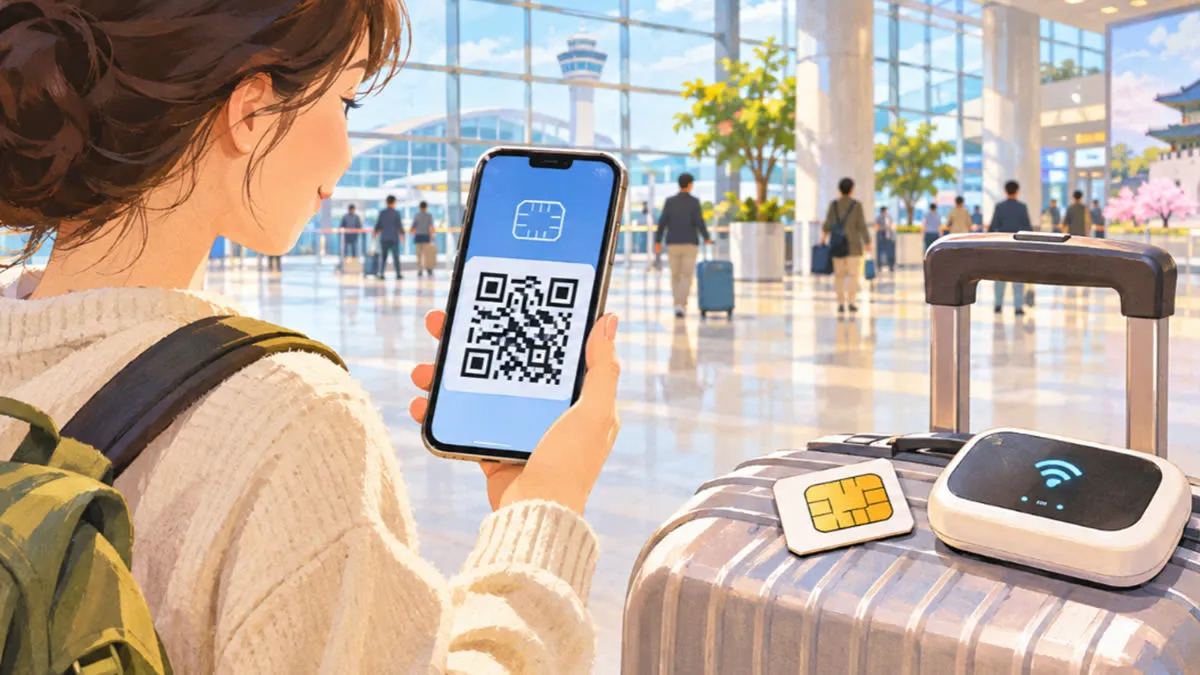
If your phone is unlocked and supports eSIM, buy a data eSIM before you fly. With LG U+ it costs ₩6,500 (about US$4.50) for one day or ₩27,500 (about US$19) for five, and it works as soon as you land. If your phone has no eSIM, get a physical SIM. If you need a Korean 010 number for calls and texts, get a data + voice product, which LG U+ sells only at its airport counters. If your phone is locked to your home carrier, or a group wants to share one connection, rent pocket Wi-Fi for ₩4,400 a day.
We checked the prices and rules below on LG U+'s official tourist pages on November 19, 2026. Prices are in won; the dollar figures are rough and move with the exchange rate.
| Data eSIM | Physical SIM | Pocket Wi-Fi | |
|---|---|---|---|
| Who it suits | One person with an unlocked, eSIM-capable phone | Unlocked phones without eSIM; anyone who needs a Korean number | Locked phones, families, groups, laptops |
| LG U+ price | ₩6,500 for 1 day, ₩27,500 for 5 days | Data-only SIM: same as the eSIM | ₩4,400 a day |
| Data | Unlimited LTE/5G; speed may be controlled if your traffic is abnormally heavy | Same | 4GB a day at full speed, then unlimited at up to 5Mbps |
| Korean 010 number | Only on data + voice products | Only on data + voice products | No |
| How you get it | QR code after you buy online | Pick up at an airport counter | Pick up at an airport counter, return before you fly out |
| Home number stays on | Yes, if your phone takes two lines | Only if your phone has a second slot or eSIM | Yes |
SK Telecom and KT, Korea's other two big carriers, sell their own tourist plans, and resellers sell data on all three networks. The LG U+ figures give you a baseline to compare against.
What LG U+ data plans cost, day by day
LG U+ charges the same for its data-only eSIM and its data-only SIM, and the same for LTE and 5G:
| Days | Price | Approx. USD |
|---|---|---|
| 1 | ₩6,500 | $4.50 |
| 2 | ₩12,000 | $8.50 |
| 3 | ₩18,000 | $13 |
| 4 | ₩23,000 | $16 |
| 5 | ₩27,500 | $19 |
Longer plans are listed on the booking page. LG U+'s Korean SIM page advertises 10% off when you buy online. Its eSIM page mentions an online-only discount code but doesn't give the amount. These rules matter more than the price:
- The days count from first use, not from purchase. LG U+'s example: buy a 5-day plan on January 1, first use it at 10:00 on January 4, and it runs until 10:00 on January 9.
- An eSIM must be activated within 60 days of payment.
- A data eSIM can't be refunded after you pay. Once installed, it can't be reissued or moved to another phone, and a deleted eSIM can't be restored. If it isn't working, contact LG U+ before you delete anything.
- The limit is three products per passport.
- LG U+ doesn't deliver. You collect physical SIMs at an airport counter.
When you need a Korean 010 number
On a short trip, data is usually enough, because messaging, map and taxi apps don't need a local number. Get a data + voice product if you want to:
- Get calls or texts from restaurants, hosts, couriers or tour operators.
- Sign up for Korean apps that send a text code. LG U+ says its voice/SMS products pass SMS checks for restaurant and taxi-booking apps, but not identity checks for banks or government services.
- Call Korean numbers without a calling app.
Data-only products can't make calls, send texts or receive SMS codes. LG U+ sells data + voice products only at its airport counters, so bring your passport.
LG U+ rates on voice products:
- Incoming calls and texts: free
- Outgoing domestic calls: ₩4.4 a second (₩264 a minute)
- Domestic text: ₩55
- MMS: ₩1,100
- International text: ₩165
International calls are charged by the minute and vary by country. For example, a call to the US costs ₩825 a minute and a call to the UK costs ₩1,049.
When pocket Wi-Fi beats a SIM
Rent a router (often called a "Wi-Fi egg") if your phone is carrier-locked, if two or more people are traveling together, or if you need a laptop online. LG U+'s router connects up to 10 devices at once, though the company says it slows down as you add devices or stream heavily.
LG U+ terms as of November 19, 2026:
- Price: ₩4,400 for each 24-hour day. You pay when you return the router, in cash or by card.
- Data: 4GB a day at full speed, then unlimited at up to 5Mbps. The 4GB resets every night at midnight.
- Included: a power bank, free of charge.
- Return: at any LG U+ counter at Incheon, Gimpo or Gimhae, no matter where you picked it up. The daily fee keeps running until you return it, so drop it off before you leave Korea.
- Extending: use LG U+'s chat or call 010-3998-1004.
- If you lose it: report it to LG U+ right away. You'll pay a charge, and you get it back if the router turns up and is returned within 14 days.
The downsides are that it's another device to carry and charge, and everyone has to stay close to it.
LG U+ counters at Incheon, Gimpo and Gimhae
All LG U+ counters are on the first floor (arrivals level). In peak season the lines can be long. LG U+ suggests buying online before you leave and using the counter only to collect a SIM, a router or a free T-money card.
| Airport | Location | Hours |
|---|---|---|
| Incheon Terminal 1 | 1F arrivals, Gate F | 24 hours |
| Incheon Terminal 1 | 1F arrivals, Gate A | 06:00–22:00 |
| Incheon Terminal 2 | 1F arrivals, Gate 3 | 24 hours |
| Incheon Terminal 2 | 1F arrivals, Gate 8 | 06:00–22:00 |
| Gimpo | 1F arrivals, Gate 1 | 06:30–23:00, adjusted to international flights |
| Gimhae (Busan) | 1F arrivals, between Gates 2 and 3 | 06:00–22:00 |
LG U+ says these hours can change. If you land late at Incheon, go to the 24-hour counters at T1 Gate F or T2 Gate 3.
What to bring to the counter: your passport, and a credit or debit card for the deposit. A credit card must be in the same name as your passport. LG U+ authorizes ₩1,111 on it but doesn't actually charge it. A debit card is charged a ₩70,000 deposit, which is refunded automatically when you return the item in good condition.
Free T-money card: if you buy an LG U+ eSIM for three days or more, you can collect a free T-money card at the airport counter. It comes with no money on it, so you load it yourself. See our guide to buying and topping up a T-money card, then getting from Incheon Airport to Seoul.
Setting up a Korean eSIM before you fly
- Check that your phone can take it. Dial
*#06#. If an EID number appears, your phone supports eSIM. LG U+ also requires the phone to be unlocked. Its notice says its eSIM doesn't work on Google Pixel, Motorola or OPPO phones. If you buy from another seller, read that seller's compatibility list. - If your phone is locked, ask your home carrier to unlock it before you travel. Unlocked and dual SIM are not the same thing, and you need the phone to be unlocked.
- Buy online on the carrier's tourist site or from a reseller, and enter your passport details if asked.
- Install it on Wi-Fi by scanning the QR code you receive. Installing needs an internet connection, so do it at home or on airport Wi-Fi. Don't delete it afterward.
- When you land, set the Korean line as your data line. Turn on data roaming for the eSIM only if the seller's instructions say to, and keep roaming off on your home line to avoid roaming charges.
- If your plan includes a number, you'll find it in your phone's SIM or cellular settings.
If the data is slow to start, it helps to have downloaded maps beforehand. Our map app guide for Korea explains why Naver Map and Kakao Map work better than Google Maps for directions here.
If you're moving to Korea, not visiting
Tourist plans are built for stays of days or weeks. LG U+ says even its voice products can't be used for bank or government identity checks, so residents need a regular phone line in their own name. Carriers set their own document rules for foreigners, and most ask for a residence card, so ask in the shop before you sign up. See our guide to the alien registration card.
If your connection fails or you need an interpreter
The Korea Tourism Organization's 1330 Korea Travel Helpline gives travel information and interpretation, and takes complaints. Call 1330 inside Korea or +82-2-1330 from abroad. You can also make a free online call over Wi-Fi from its website, use its web chat, or message it on KakaoTalk, LINE, WhatsApp or Facebook. For a problem with an LG U+ product, contact LG U+ directly; don't delete the eSIM first.
Sources
Last checked: — Prices, hours and rules in Korea change often; check the official pages below before you go.
- LG U+ Korea eSIM (data only) product page
- LG U+ Korea eSIM product page (English)
- LG U+ Korea prepaid SIM product page
- LG U+ Pocket Wi-Fi rental page
- LG U+ Korea SIM – Incheon Airport arrival guide (Korean)
- Korea Tourism Organization – 1330 Korea Travel Helpline
Facts were checked against the sources above, and the article was written by Seoul Sidekick with the help of AI tools. Report an error